RH Robinhood guide · 7 min
How to contact Robinhood support and open a case
In-app chat, a callback, and what to do if you cannot log in.
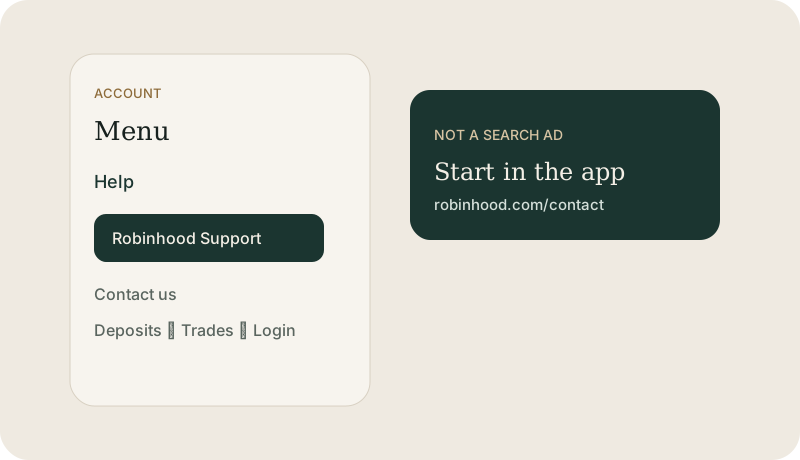
Start inside the Robinhood app
Robinhood support for a brokerage issue starts in the logged-in app or at robinhood.com/contact. Their own guidance tells customers not to trust support numbers found through a search engine. The general information line they publish, 650-761-7789, is not the place for an account-specific problem. The 888-275-8523 line is limited to crypto, spending, and the cash card.
The clicks that open their case
- Open the Robinhood app and sign in.
- Go to Account, then Menu or Help, then Robinhood Support or Contact us.
- Pick the topic: deposit, withdrawal, a trade, login, or documents.
- Describe one problem, with the date and the amount. Continue by chat, or request a call if that topic offers one.
- If you cannot log in, use robinhood.com/contact or support@robinhood.com. Still do not send a password or a one-time code.
A Northline ticket is a different desk
If you want the menu explained before you write Robinhood, use Get help on this page. That message comes to Northline. Robinhood does not see it. We can help you word the note. You still send it from their app.
This guide is education from Northline Guides, not a recommendation to buy or sell any security, and not a page from Robinhood. Broker steps change. Use Get help if you want Northline to walk through the screen. That request does not open a case at Robinhood.