CC Crypto.com guide · 6 min
How to contact Crypto.com support
In-app chat, chat.crypto.com, and the separate U.S. card line.

Two different paths
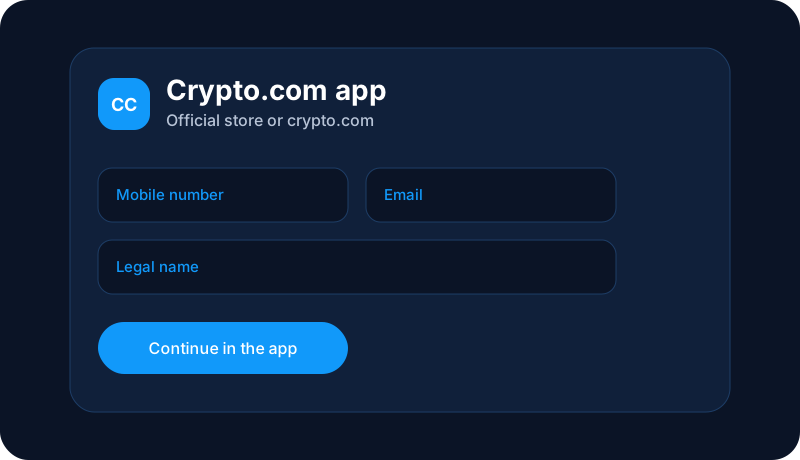
For an app-account question, Crypto.com’s help material points to Support, then Contact Support, inside the app. If you cannot sign in, open chat.crypto.com directly. Start that chat yourself. A message on social media or SMS that claims to be support is not that chat.
Crypto.com’s U.S. prepaid-card and USD-account terms publish 1-888-824-8817 for customer service on those products, and the card help articles tell U.S. cardholders to use the number on the back of the card. Use it for a card or USD-account error, not as a shortcut for every crypto order. Hours and menus change. Read the number on help.crypto.com or on the card before you rely on it.
What to say in the chat
- Whether the issue is the app account, a crypto transfer, or the card.
- The date and the amount, without a password or a one-time code.
- What you already tried, in one or two sentences.
- A request for the case reference before you close the chat.
Northline is not in that chat
Get help here asks Northline Guides to explain the steps. Crypto.com does not receive that form. We do not hold crypto, we do not reverse a transfer, and we do not promise that a purchase will gain value. You will get a reply from our desk about the process, and you still have to contact Crypto.com for anything that requires their account tools.
This page is education from Northline Guides. It is not a recommendation to buy, sell, or hold any crypto asset, and it is not published by Crypto.com. Crypto prices can fall to zero. Crypto is not a bank deposit, and a transfer on a blockchain is often irreversible. Steps change. Use Get help if you want Northline to explain the screen. That request does not open a case at Crypto.com.