Advertiser: Northline Guides, an independent education service for U.S. residents. We are not a broker-dealer, not an investment adviser, not a crypto exchange, and not affiliated with Robinhood, Charles Schwab, Fidelity, E*TRADE, Vanguard, Interactive Brokers, Webull, Coinbase, Kraken, Gemini, Crypto.com, or any firm named on this site. We do not hold customer funds or crypto. We do not promise investment returns. Crypto assets can lose all of their value.

Home · Guides · Robinhood

RH Robinhood guide · 6 min

How to fund a Robinhood account

Bank link, transfer timing, and the gap between buying power and cash you can withdraw.
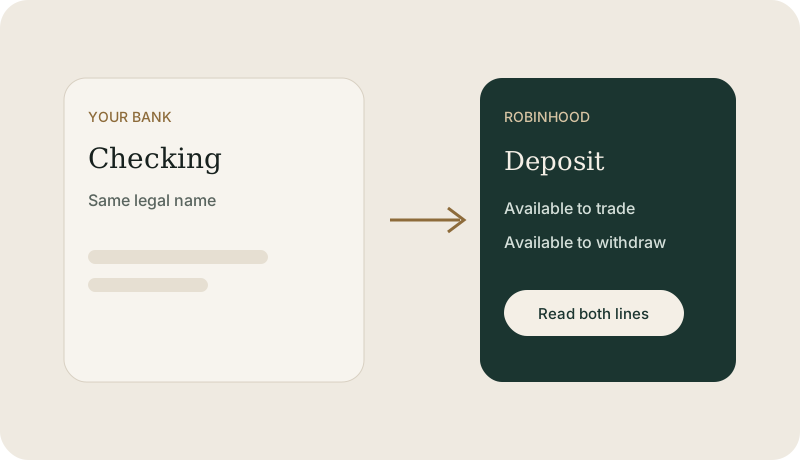
Illustration of a Robinhood deposit from a linked bank
Use the deposit screen inside Robinhood. Ignore wiring instructions that arrive by surprise text.

Link the bank from inside Robinhood

After the account is open, Robinhood’s deposit screen is the safe path. The app connects a bank or asks for routing and account numbers. Those numbers identify the bank. They are not your Robinhood password, and they do not belong in a message to Northline or to anyone who contacted you first.
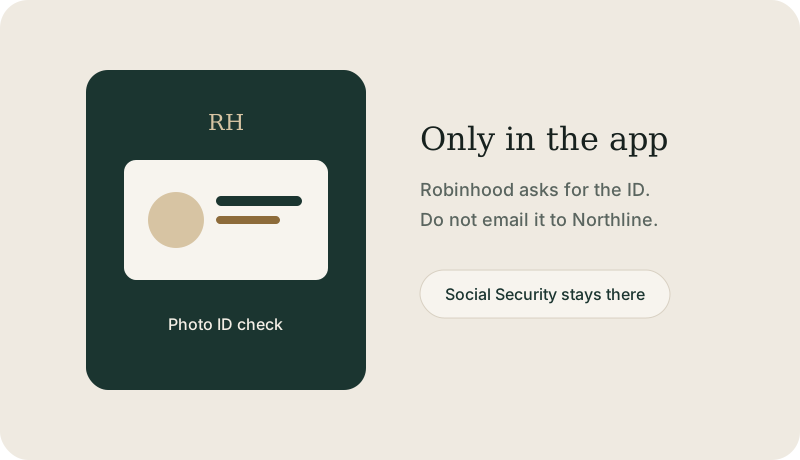
Illustration of a bank account in the same legal name
The bank account should be in the same legal name as the Robinhood application.

Read both balances

An electronic transfer often takes a few business days. Robinhood may show buying power before the transfer has fully settled, and a smaller amount available to withdraw. Read both lines before you place a trade or expect the cash back in the bank.

A transfer from another brokerage is a separate request you start at the firm that will receive the shares, after that account exists. Robinhood’s transfer screen lists what can move. Ask them before you start if a holding is unusual.
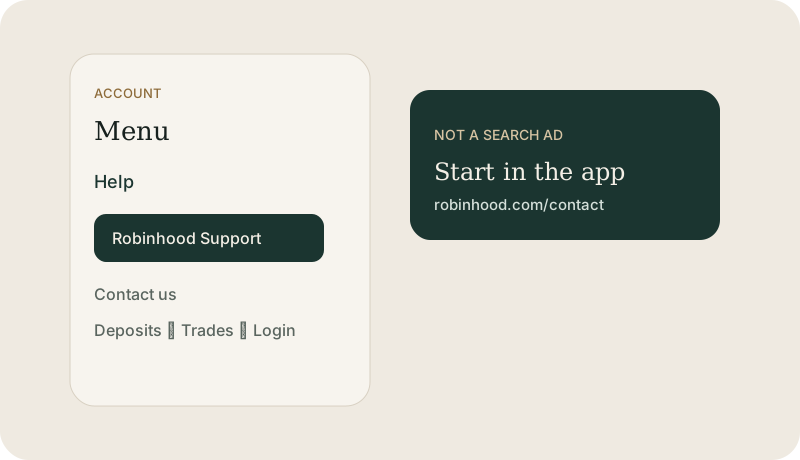
Illustration of contacting support about a missing deposit
If the bank shows the money left and Robinhood does not, open a case in the app with the date and amount.

If the deposit does not appear

Compare the amount and the date on the bank with the transfer in the Robinhood app. Then open Robinhood Support from Account, Menu, and Contact us. If the bank shows no outgoing transfer, Robinhood cannot create the money. Call the bank as well.

This guide is education from Northline Guides, not a recommendation to buy or sell any security, and not a page from Robinhood. Broker steps change. Use Get help if you want Northline to walk through the screen. That request does not open a case at Robinhood.

Northline desk

Want this applied to the broker you are using?

Open a ticket with our education desk, or ask for a consultation on account setup. We explain the steps and point you to the firm’s own support. We do not take logins, place trades, hold money, or hold crypto.

Request a consultation

Northline desk

Get help with the step you are on.

Answer a few short questions. You will get a Northline ticket number on this page, and a reply from our desk in 3–4 hours. This does not open a case at a broker or a crypto exchange, and it is not a promise of profit.