RH Robinhood guide · 7 min
How to buy your first stock or ETF on Robinhood
Search, order type, and the review screen in the Robinhood app.
Cash has to show as available first
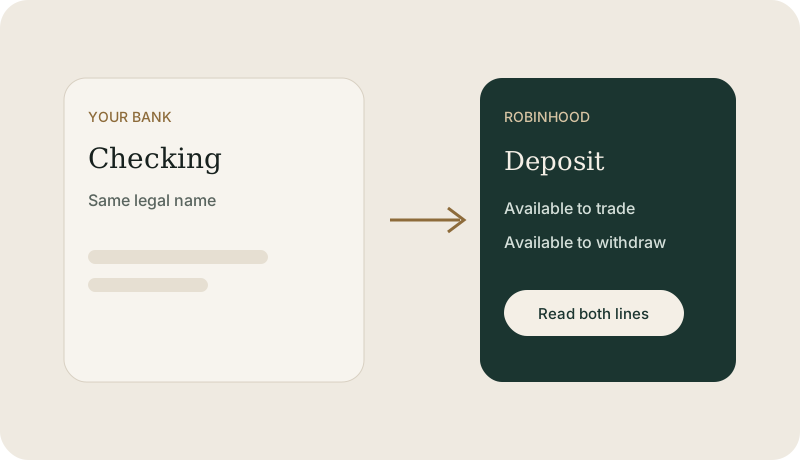
In the Robinhood app, a buy order spends the buying power on that account. If you only linked a bank and never moved money, the order can fail. Read the funding line. Robinhood sometimes lets you invest part of a transfer before it settles, and still makes you wait to withdraw. Those are two different numbers.
Stock or ETF, then market or limit
Search the ticker and read the company or fund name beside it. A stock is one company. An ETF is a fund that trades through the day. This page does not name one to buy.
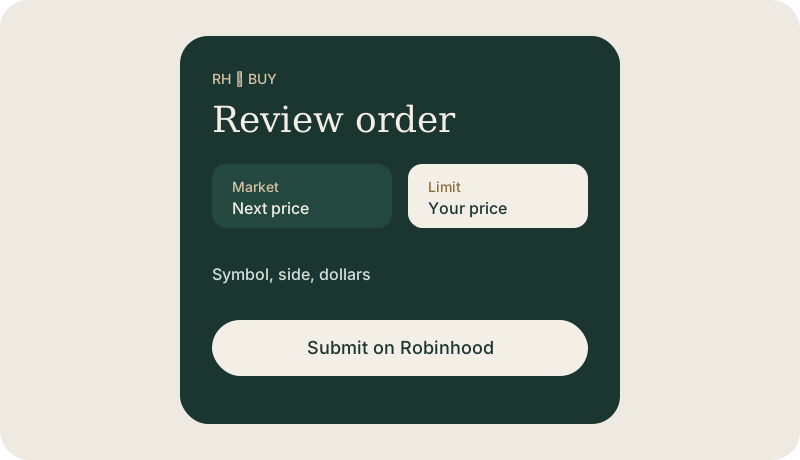
A market order asks for the next available price. A limit order names the most you will pay and can sit unfilled. On Robinhood, set the order type on the ticket before you review. Extended-hours trading, if the ticket offers it, often has a wider price. Turn it on only when you mean to.
What to check on the Robinhood review screen
- The account is the brokerage account you meant, not an IRA, unless you meant the IRA.
- The side says Buy.
- The symbol matches the name you searched.
- The dollars or shares match what you intended.
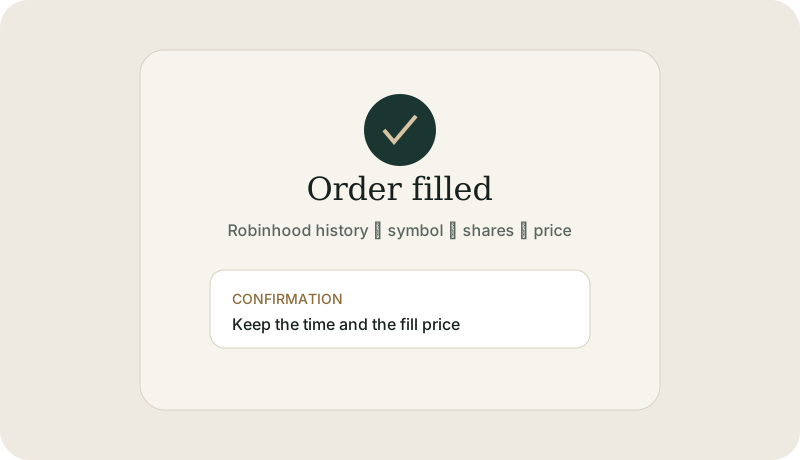
- After the fill, open History and keep the price and time.
This guide is education from Northline Guides, not a recommendation to buy or sell any security, and not a page from Robinhood. Broker steps change. Use Get help if you want Northline to walk through the screen. That request does not open a case at Robinhood.