CB Coinbase guide · 7 min
How to open a Coinbase account
The Coinbase sign-up and identity check for a U.S. resident, completed only on Coinbase.
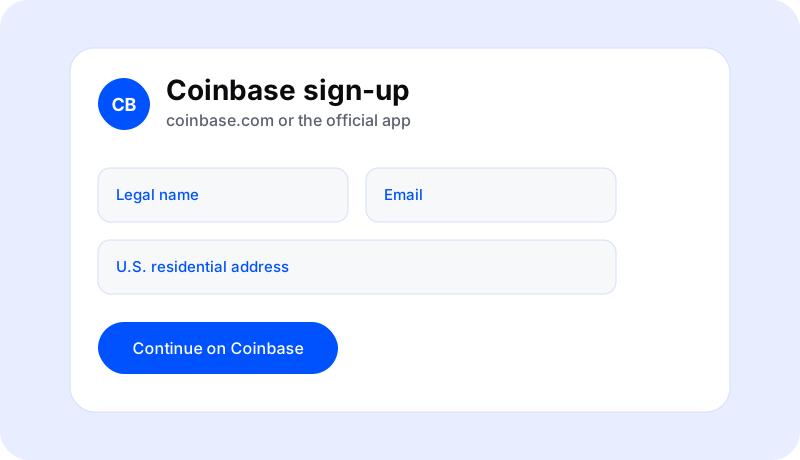
Open it on Coinbase, not on a look-alike page
A Coinbase account is opened by Coinbase. Northline cannot submit the application, see the status, or approve it. The usual path for a U.S. resident is coinbase.com or the Coinbase app from the official store: create a login, enter your legal details, and wait for Coinbase’s identity check.
Coinbase also warns that search ads are a common place for fake support numbers. Leave any page that asks you to “verify” a Coinbase login, a seed phrase, or a password.
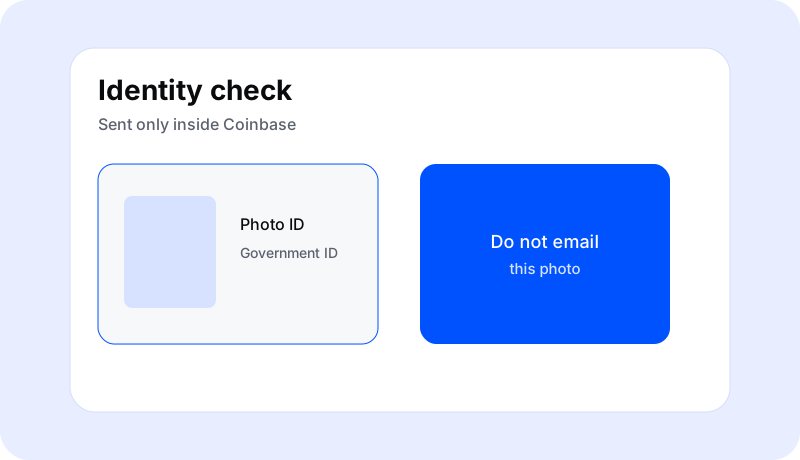
What Coinbase asks for
- An email, a password you do not share, and a mobile number for two-factor authentication.
- Legal name, date of birth, and U.S. residential address, matching your identification.
- A Social Security number, typed only on Coinbase’s form.
- A photo of a government ID, and sometimes a selfie, if the app requests them.
- A funding method later, added inside Coinbase, not in a message to anyone else.

After you submit
Coinbase reviews the application. A delay usually means they want another document. Northline cannot speed that up. If you cannot get past a screen, open help.coinbase.com or the Help path in the app and start the chat yourself. Coinbase has published 1-888-908-7930 as its U.S. support number and says Coinbase support does not call you first.
When the account is open, any buy button spends money you have added inside Coinbase. Crypto prices move quickly and can fall to zero. This guide does not name an asset to buy.
This page is education from Northline Guides. It is not a recommendation to buy, sell, or hold any crypto asset, and it is not published by Coinbase. Crypto prices can fall to zero. Crypto is not a bank deposit, and a transfer on a blockchain is often irreversible. Steps change. Use Get help if you want Northline to explain the screen. That request does not open a case at Coinbase.