CC Crypto.com guide · 7 min
How to open a Crypto.com account
Sign-up and identity check in the Crypto.com app, including how the app differs from the card.
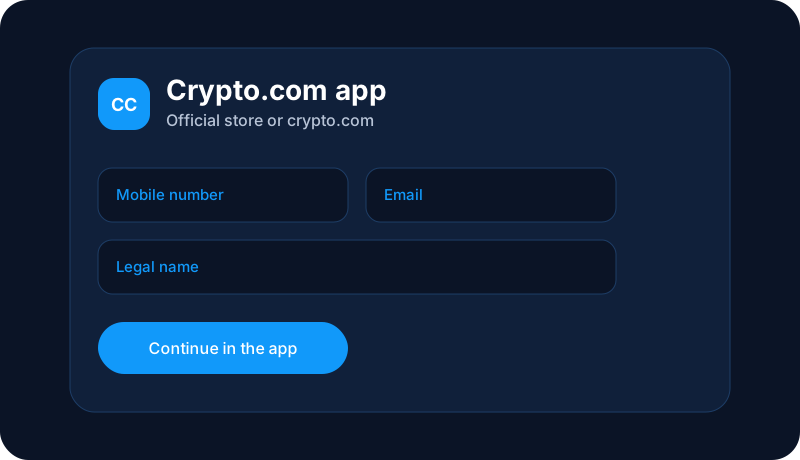
The app is the account
Crypto.com account opening happens in the Crypto.com app. Northline cannot create the login or see the verification result. Download the app from the official store, create the profile with your own email and phone, and finish the identity steps the app shows.
The app can also offer a card and a cash or USD balance. Those are separate products with their own terms. A guide to opening the app account is not an application for the card, and it is not a recommendation to buy crypto.
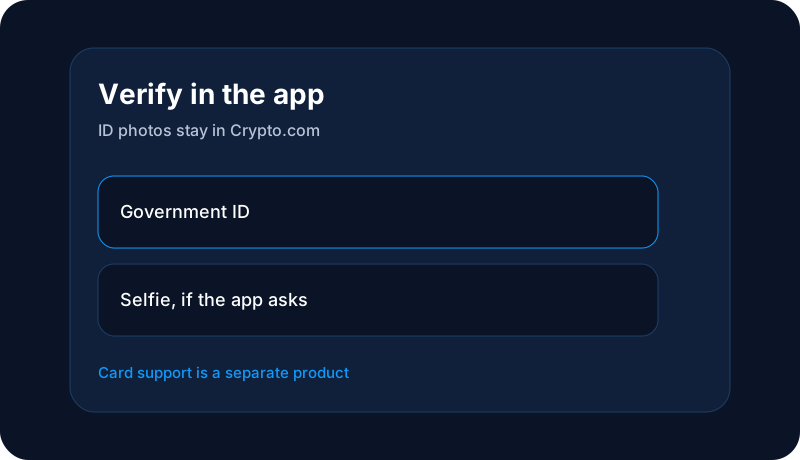
What the app usually asks
- Legal name, date of birth, and address.
- A mobile number and email you can access.
- A government ID and a selfie if verification asks for them.
- Two-factor authentication turned on in the app.
- A funding method later, added in the app, when you choose to add money.

Before you buy anything
Crypto purchased in the app can lose all of its value. Read the order preview, including any fee the app shows, before you confirm. Sending crypto to an external address is often irreversible.
If verification or a deposit stalls, open the app menu, choose Support, then Contact Support. If you cannot log in, Crypto.com directs people to its web chat at chat.crypto.com. A phone number printed for the U.S. prepaid card or USD account, 1-888-824-8817, is for those card and USD-account questions in Crypto.com’s own terms. It is not a general line for every crypto-trading question. Confirm the current path on help.crypto.com.
This page is education from Northline Guides. It is not a recommendation to buy, sell, or hold any crypto asset, and it is not published by Crypto.com. Crypto prices can fall to zero. Crypto is not a bank deposit, and a transfer on a blockchain is often irreversible. Steps change. Use Get help if you want Northline to explain the screen. That request does not open a case at Crypto.com.