GE Gemini guide · 7 min
How to open a Gemini account
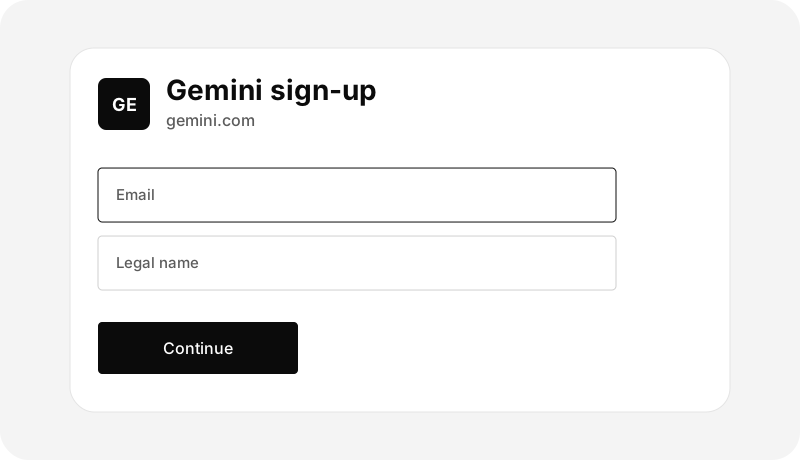
Gemini sign-up and identity verification, submitted only at gemini.com.
Apply at Gemini
Gemini opens the account on gemini.com or in the official Gemini app. Northline does not receive the application and cannot tell you if it was approved. Create the login, turn on two-factor authentication, and complete the identity questions Gemini shows.
Gemini’s sign-in pages are gemini.com and exchange.gemini.com. A page with a similar name that arrived from an ad or a text is not the place to enter the password.

Details Gemini collects on its form
- Legal name, date of birth, and residential address.
- Email and a mobile number you control.
- Identity documents if verification asks for them.
- Tax information, entered only at Gemini.
- A bank link later, from inside the account, when you are ready to add dollars.

Read the risk before any order
Buying crypto on Gemini can lose money, including the entire amount. Gemini’s prices move, and sending crypto off the platform to an address you do not control is often final. This guide does not suggest an asset.
If the application pauses, use the support request form in Gemini’s Help Center at support.gemini.com. Gemini’s help articles say Gemini will not text or call you, and that email through that form is the primary support channel. A Northline ticket does not reach Gemini.
This page is education from Northline Guides. It is not a recommendation to buy, sell, or hold any crypto asset, and it is not published by Gemini. Crypto prices can fall to zero. Crypto is not a bank deposit, and a transfer on a blockchain is often irreversible. Steps change. Use Get help if you want Northline to explain the screen. That request does not open a case at Gemini.