KR Kraken guide · 7 min
How to open a Kraken account
Kraken sign-up and identity verification for a U.S. resident, on Kraken’s own site or app.
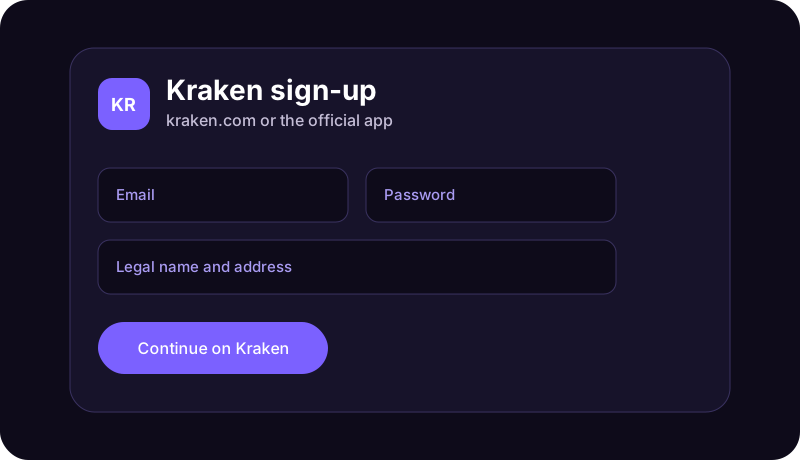
Use Kraken’s own sign-up
Kraken opens the account. Northline cannot submit it or see whether verification passed. Go to kraken.com or install the Kraken app from the official store, create the login, and complete the identity check Kraken displays. The level of verification changes what the account can do. Read the screen that says what is still required.
Funding instructions belong inside the logged-in account. Ignore wiring or crypto-address instructions that arrive by unexpected text or email.
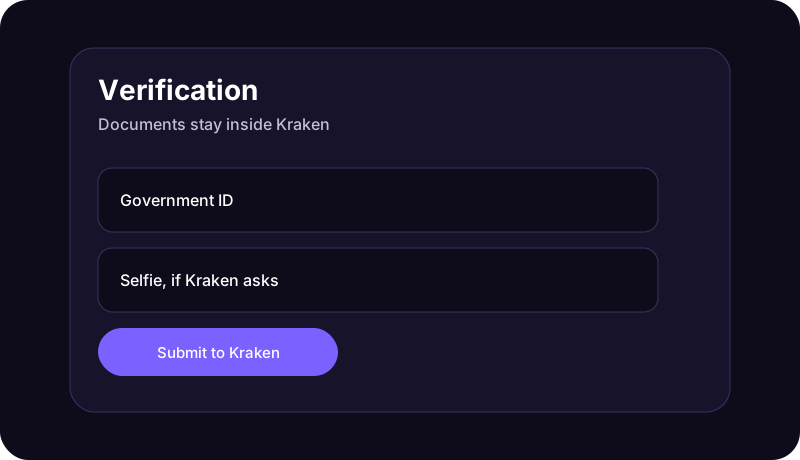
What to have ready
- Email, a private password, and two-factor authentication turned on inside Kraken.
- Legal name, date of birth, and residential address.
- A government ID and any selfie Kraken’s verification flow requests.
- Tax details Kraken asks for on its own form. Do not send those details to Northline.
- A bank or payment method you link later, from inside the account.

What this account is, and is not
A Kraken account can hold crypto. Crypto can lose all of its value. It is not a cash deposit at a bank, and a withdrawal to the wrong address is often impossible to reverse. This page does not name an asset to buy and does not promise a result.
If verification stalls, open Kraken’s Support Center at support.kraken.com or the Support tab in the app. Kraken says any phone number online that claims to be Kraken support should be treated as phishing, because voice support is offered only inside the app when Kraken shows a Call us option.
This page is education from Northline Guides. It is not a recommendation to buy, sell, or hold any crypto asset, and it is not published by Kraken. Crypto prices can fall to zero. Crypto is not a bank deposit, and a transfer on a blockchain is often irreversible. Steps change. Use Get help if you want Northline to explain the screen. That request does not open a case at Kraken.