RH Robinhood guide · 8 min
How to open your first Robinhood account
The Robinhood app screens, from sign-up through identity check, for a new U.S. brokerage account.
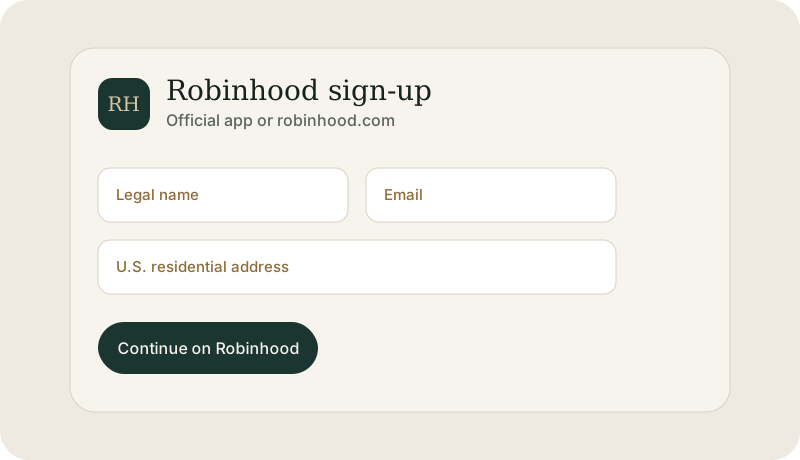
Open it in the Robinhood app, not on a look-alike page
A Robinhood brokerage account is opened by Robinhood. Northline cannot submit the application, see the status, or approve it. The usual path for a U.S. resident is the Robinhood app or robinhood.com: create a login, enter your legal details, and wait for Robinhood’s identity check.
An individual brokerage account is the ordinary first choice. Robinhood also offers IRAs. Pick the one you mean before you submit, because the funding screen that follows belongs to that account.
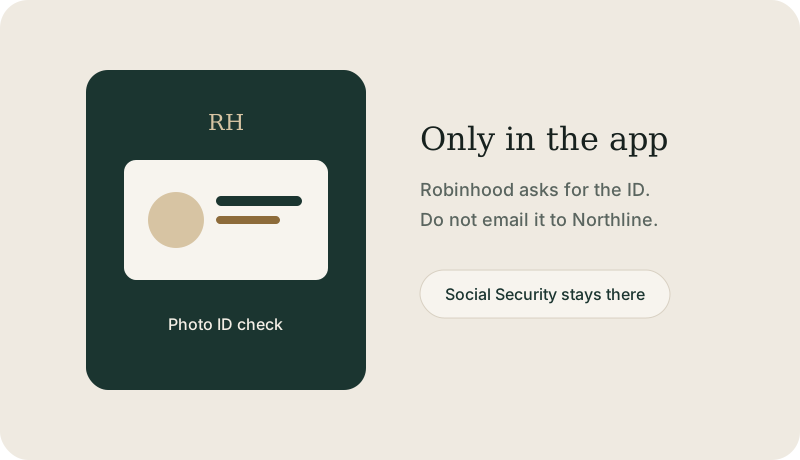
What Robinhood asks for
- Email, a password you do not share, and a mobile number for two-factor authentication.
- Legal name, date of birth, and U.S. residential address, matching your identification.
- Social Security number, typed only on Robinhood’s form.
- Employment and a few questions about income and investing experience.
- A photo of a government ID if the app requests one.
After you tap submit
Robinhood reviews the application. A delay usually means they want another document, not that a third party can speed it up. If you cannot get past a screen, use Robinhood Support inside the app: Account, then Menu or Help, then Contact us. If you cannot log in, Robinhood publishes robinhood.com/contact and support@robinhood.com. Do not send your password.
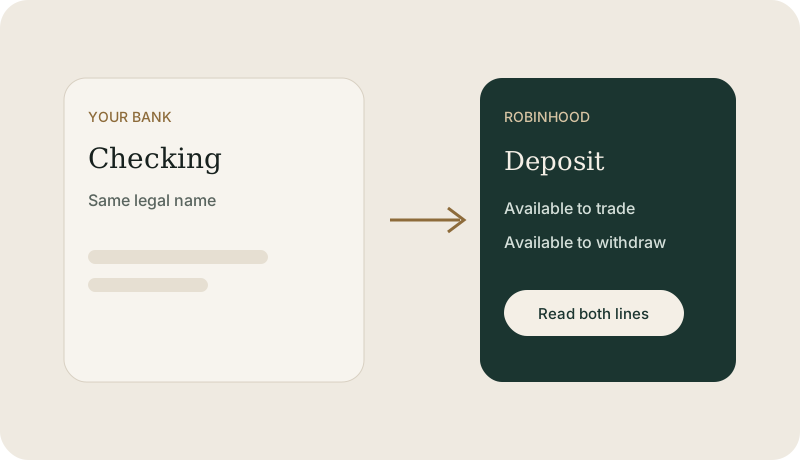
When the account is open, link a U.S. bank from inside the app and read what is available to trade versus what is available to withdraw. Only then does a buy button do anything.
This guide is education from Northline Guides, not a recommendation to buy or sell any security, and not a page from Robinhood. Broker steps change. Use Get help if you want Northline to walk through the screen. That request does not open a case at Robinhood.